
9Events
PROJECT OVERVIEW
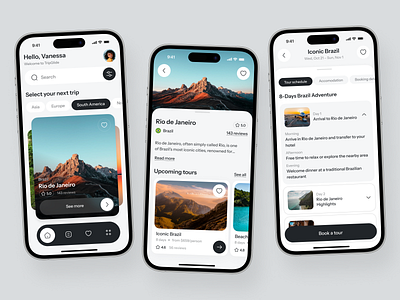
9Events — A full-featured event discovery and ticketing app with music, fashion, and lifestyle categories.
A full-featured event discovery and ticketing app with music, fashion, and lifestyle categories.
PROBLEM
The challenge behind 9Events
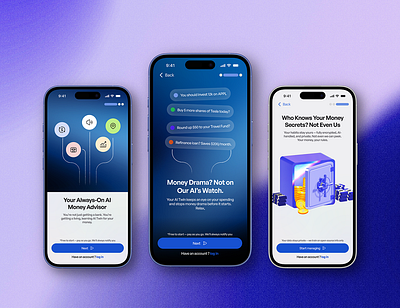
Event discovery apps were either too generic or too niche. Users wanted a single place for curated local experiences.
SOLUTION
How we solved it for 9Events
We designed category-based discovery, group booking, and a real-time map view with deep personalisation.
PROCESS
The design process behind 9Events
01
Discovery & research
- User journey review
- Pain point mapping
- Checkout drop-off analysis
02
Structure & user flow
- Core flow planning
- Navigation structure
- Wireframing key screens
03
UX & UI design
- Product page design
- Checkout experience
- Visual hierarchy
04
Refinement & delivery
- Component consistency
- Final mockups
- Handoff-ready screens
RESEARCH
UX Research & Design Artifacts
SERVICES
Designing a better experience for 9Events
The project was redesigned to make the experience feel quicker, clearer, and easier to complete. The focus was on reducing hesitation across the journey.
By simplifying key steps, improving hierarchy, and surfacing important details earlier, the experience became more predictable and less frustrating for everyday use.
RESULTS & OUTCOMES
Results & Outcomes
The redesign improved how users move through the product experience. By making choices clearer, surfacing useful information earlier, and reducing friction, the product became easier to use from start to finish.
+55%
DAU growth
+38%
Ticket revenue
8.2 min
Avg session